What’s new in SwiftUI (2-minute recap)
You’re more of a video kind of person? I’ve got you covered! Here’s a video with the same content than this article 🍿
Advertisment

What will you ship?
Shipaton starts August 1.
Build a mobile app, publish it, and enter it for a chance to win.
Any idea is welcome, as long as you actually ship it.
I've watched the WWDC session "What’s new in SwiftUI", here's what you need to know
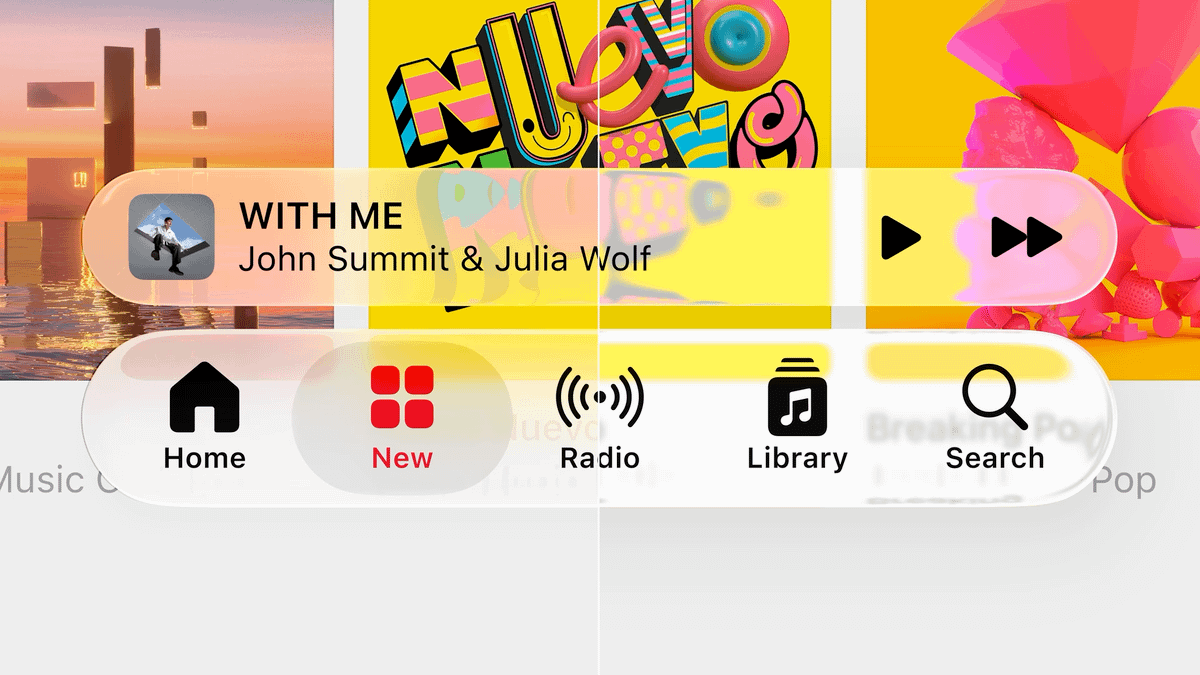
Users are now in control of how much transparency they want Liquid Glass to have.
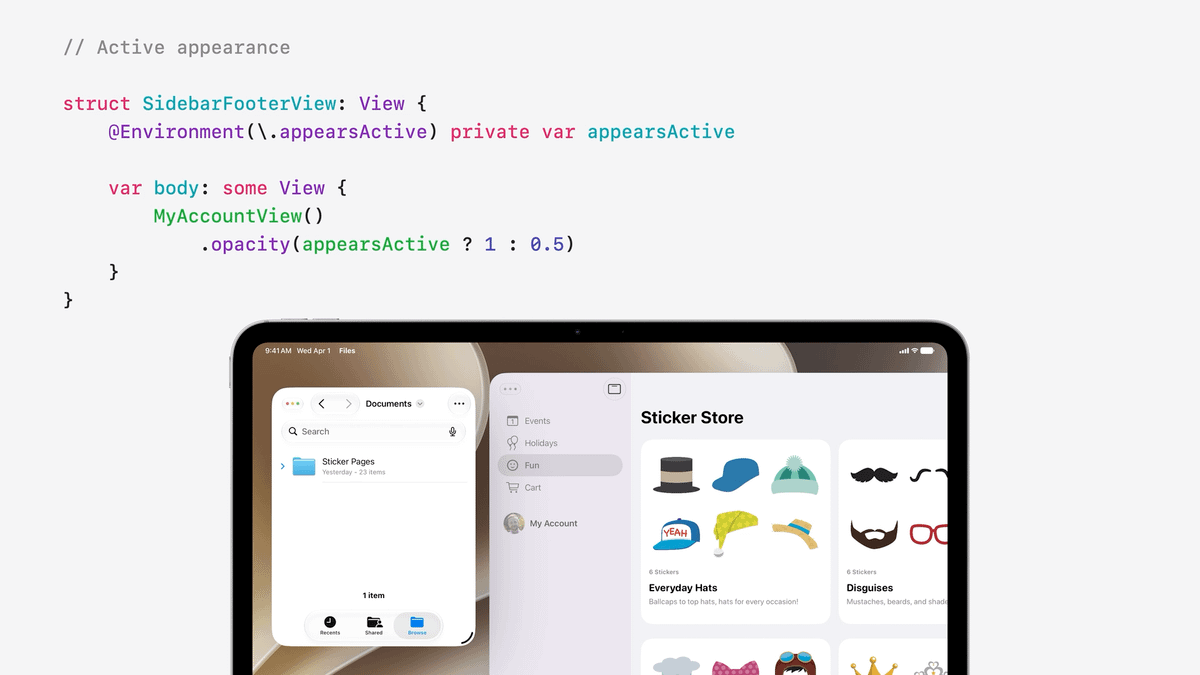
On iPadOS, apps now switch to a new appearance when they become inactive.
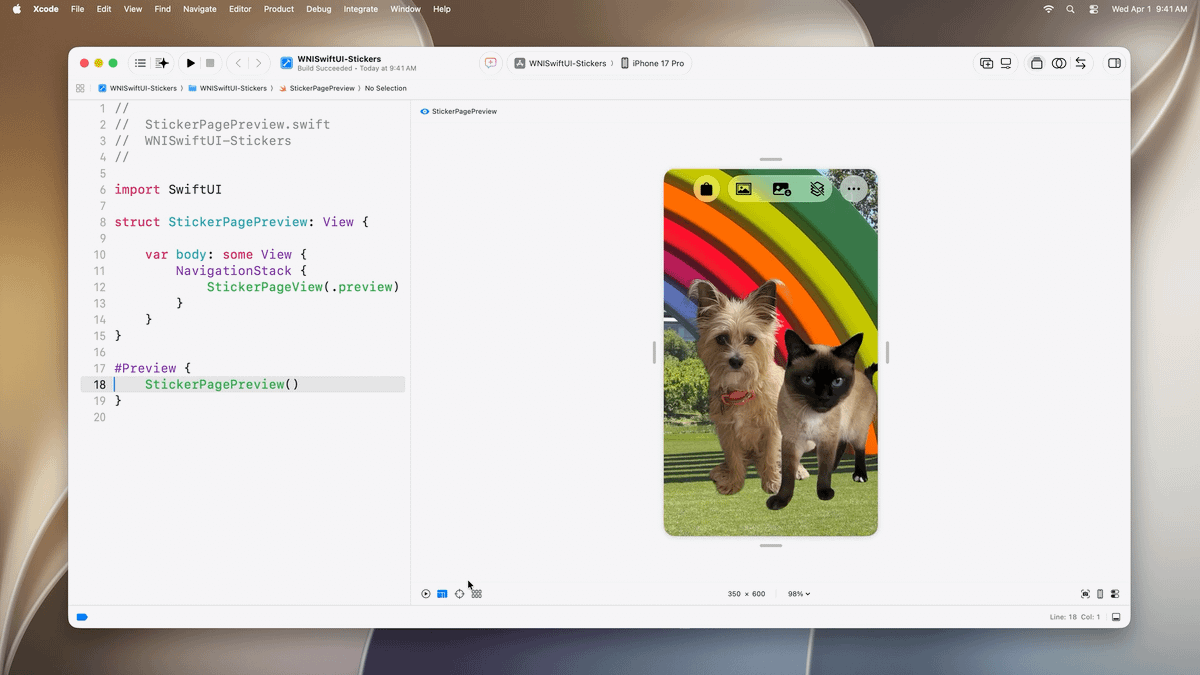
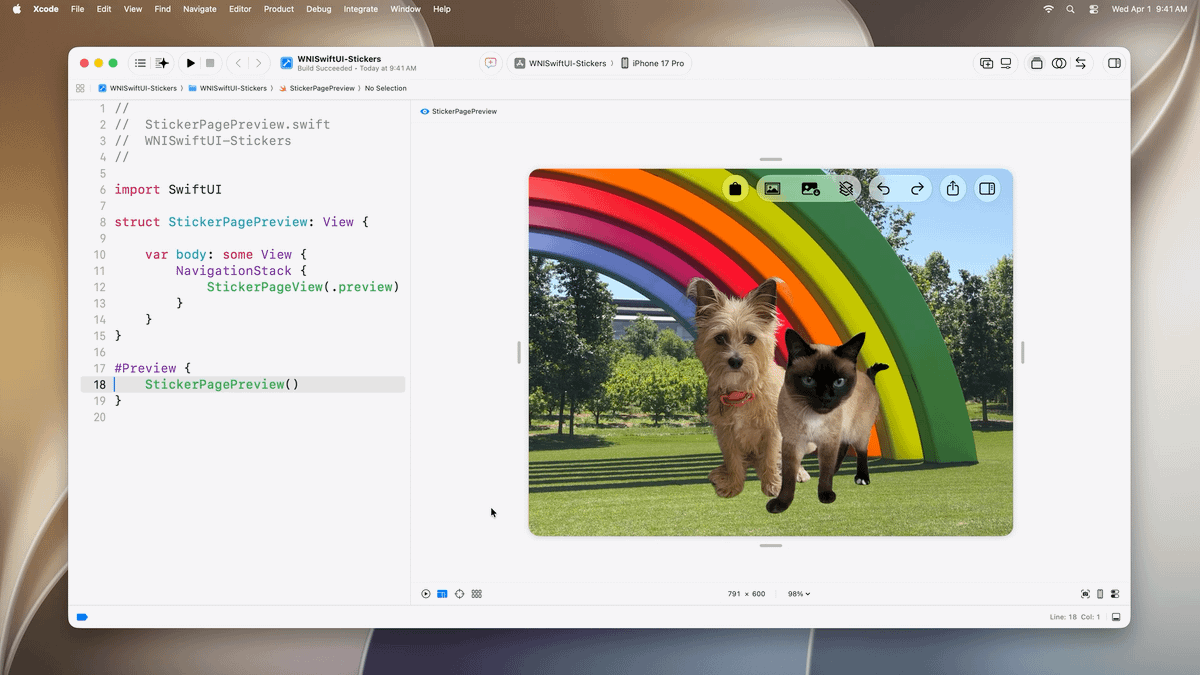
Live Previews in Xcode now have resize handles.
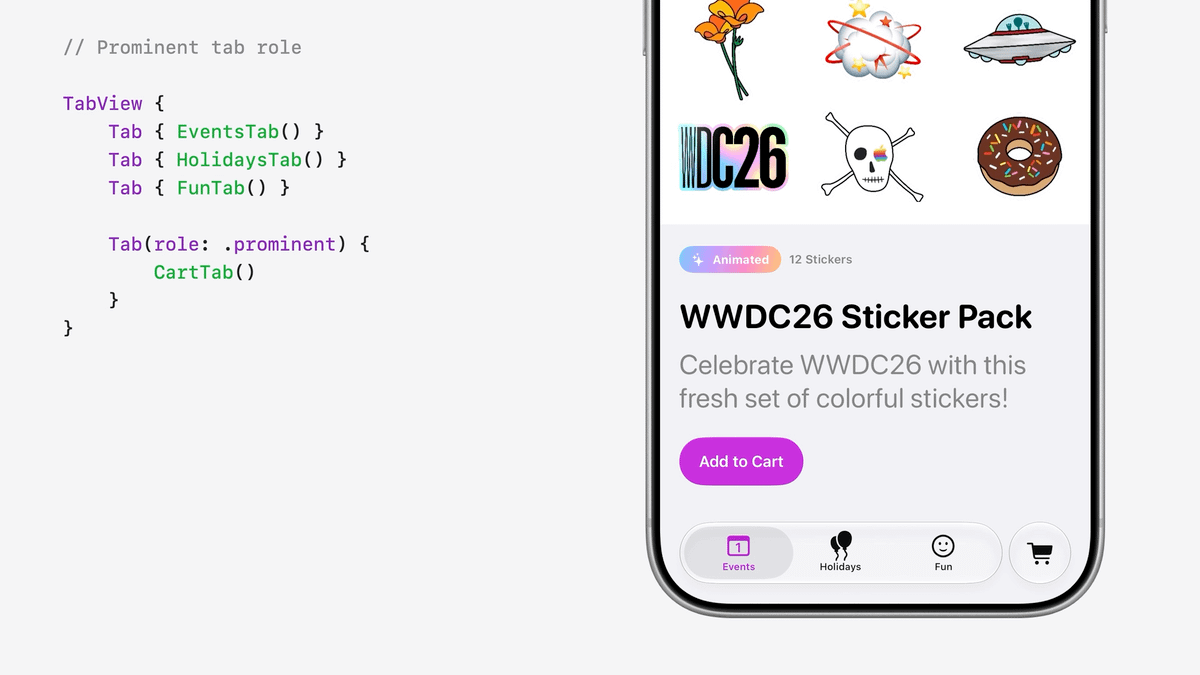
TabView supports a new `.prominent` role to highlight important features.
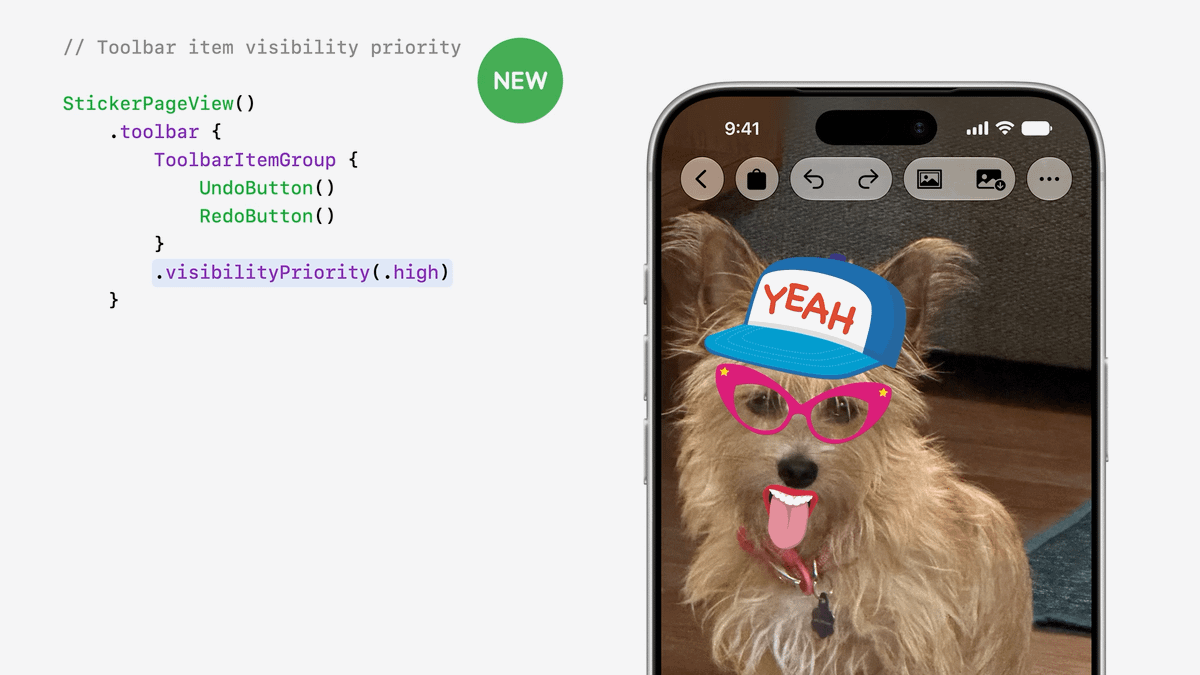
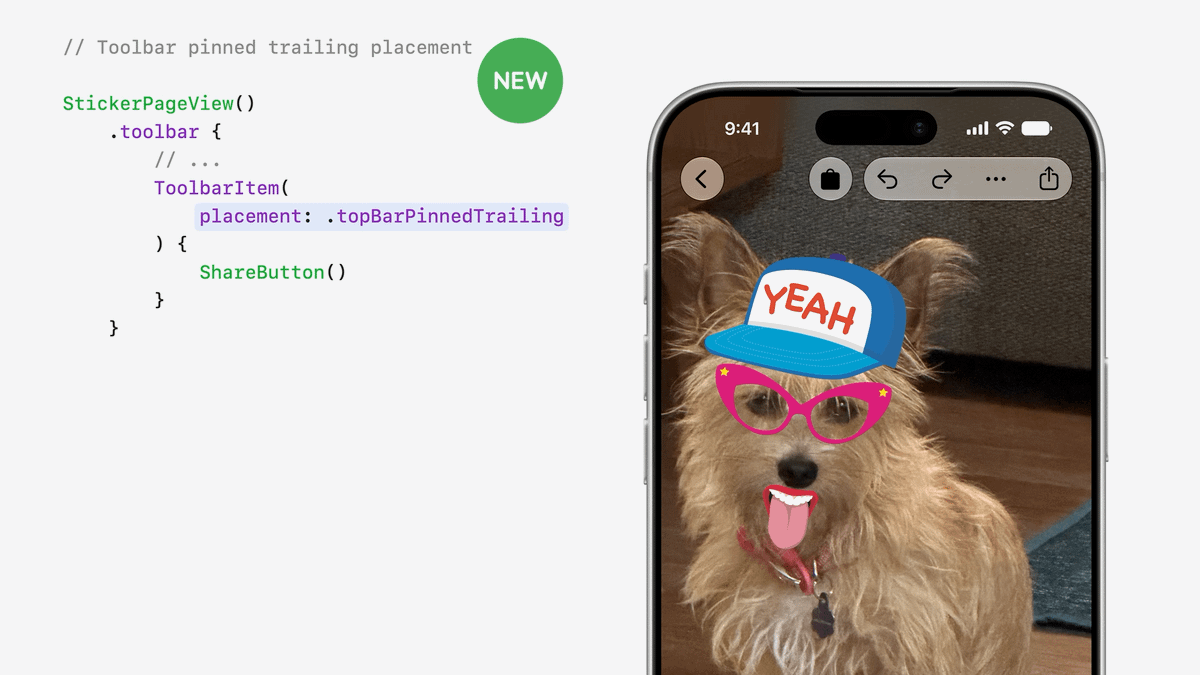
Toolbars automatically manage an overflow menu when there isn't enough room to display all buttons.
Developers are in control of setting priorities for which buttons should stay visible and which should not.
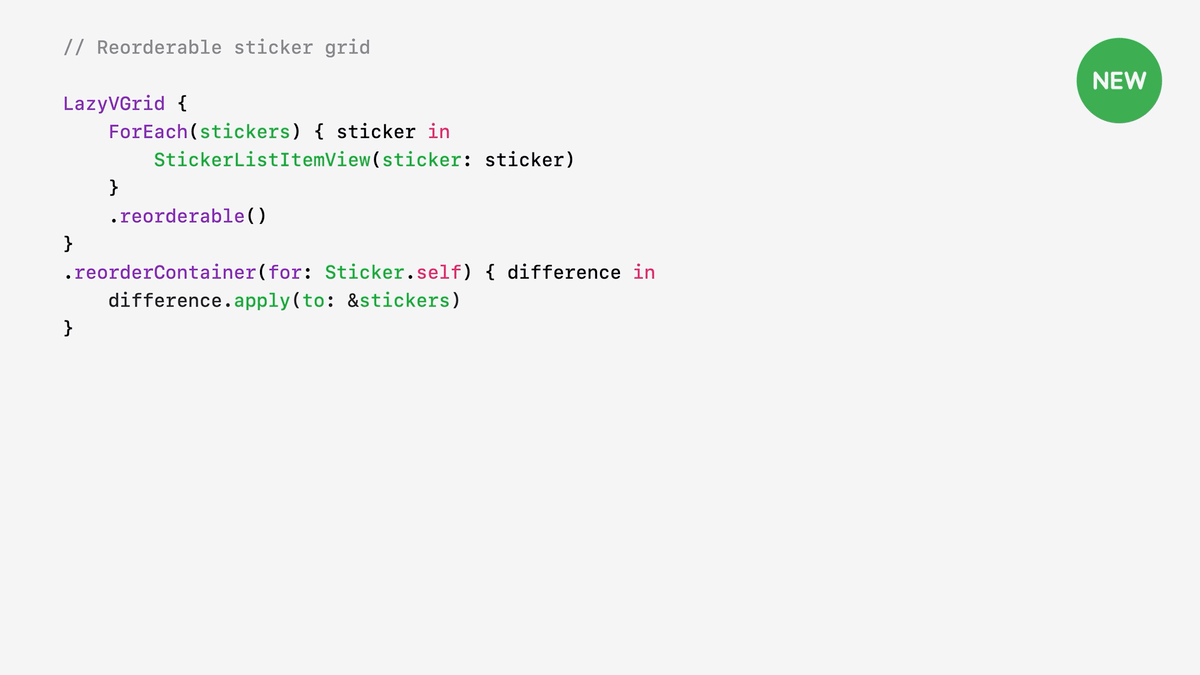
There's a new API to handle re-ordering with very little code needed.
And it works with any view container, not just on List.
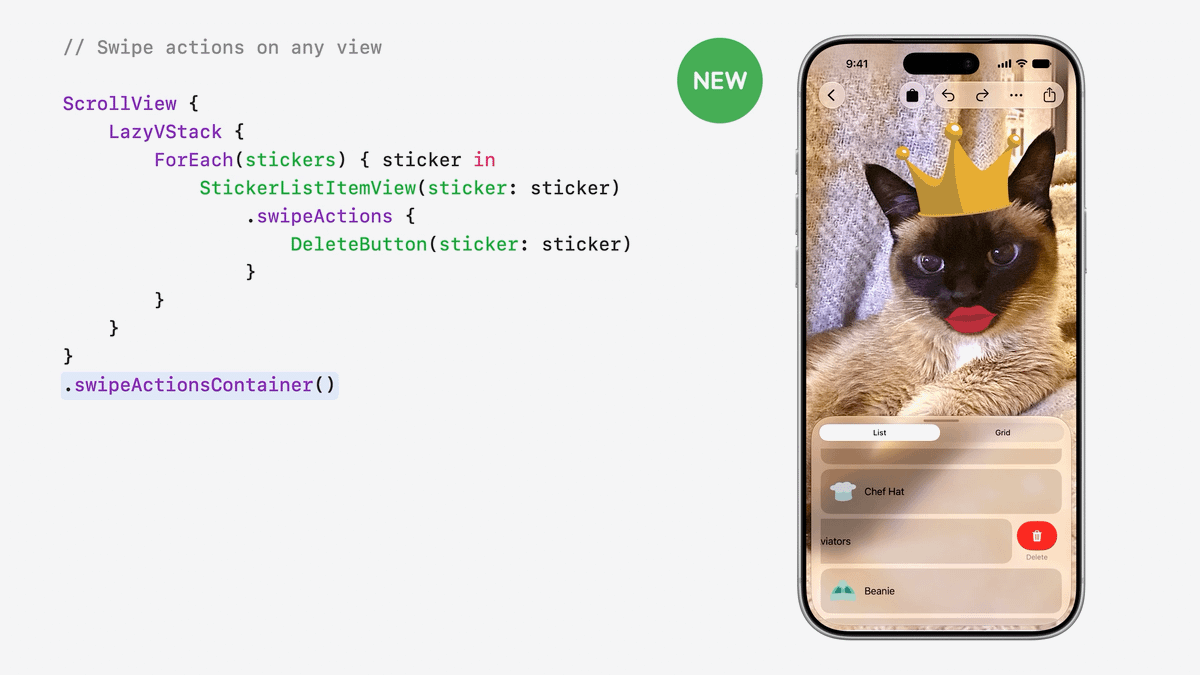
Swipe actions are also no longer limited to List and can be used with any view container.
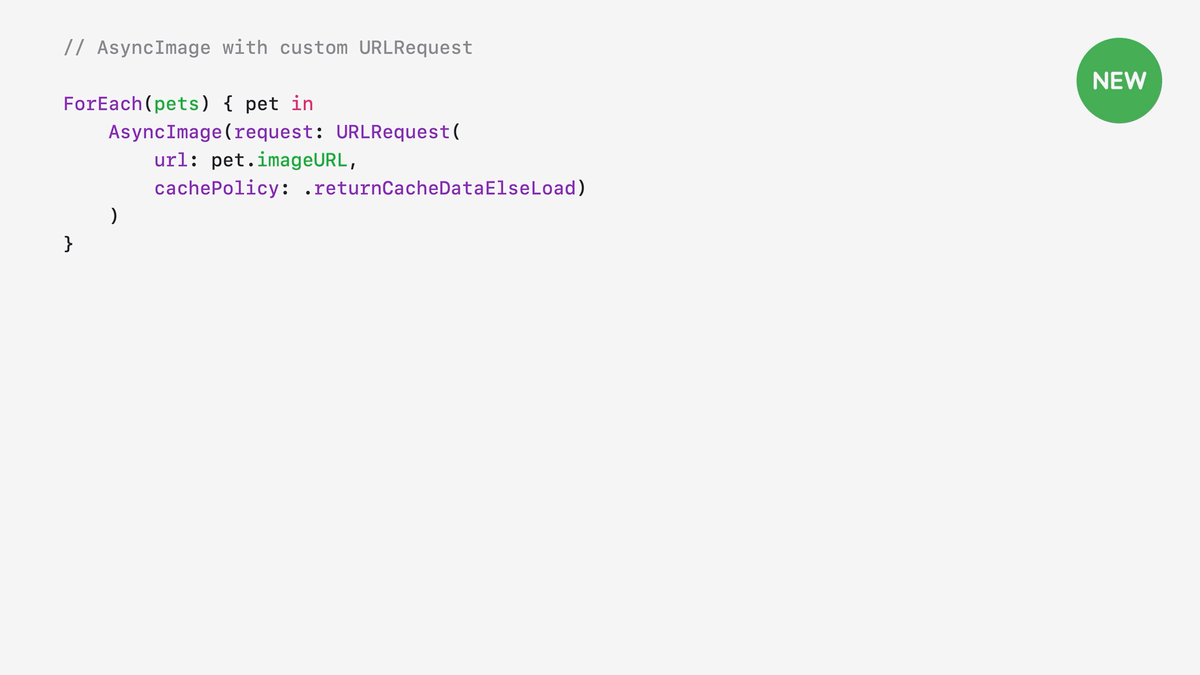
AsyncImage finally supports image caching 🙌
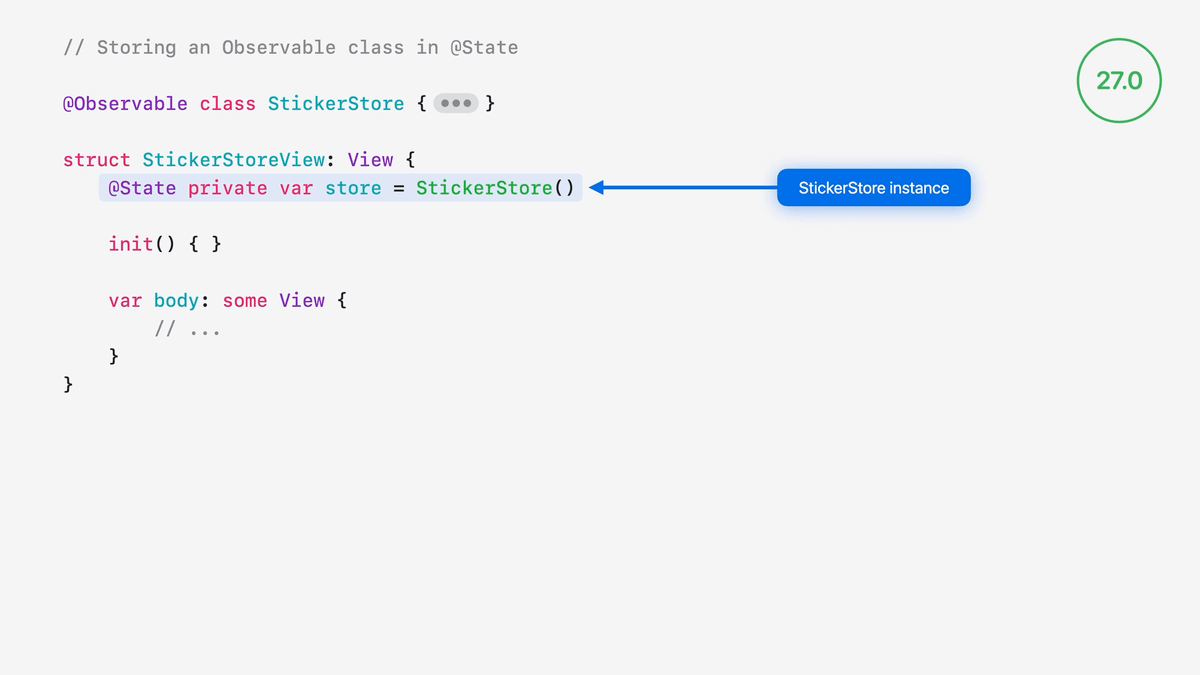
@State has been optimized to no longer create a new instance of Observable properties that gets immediately discarded every time that a View is re-created.
Even better, this behavior is being back ported all the way to iOS 17.
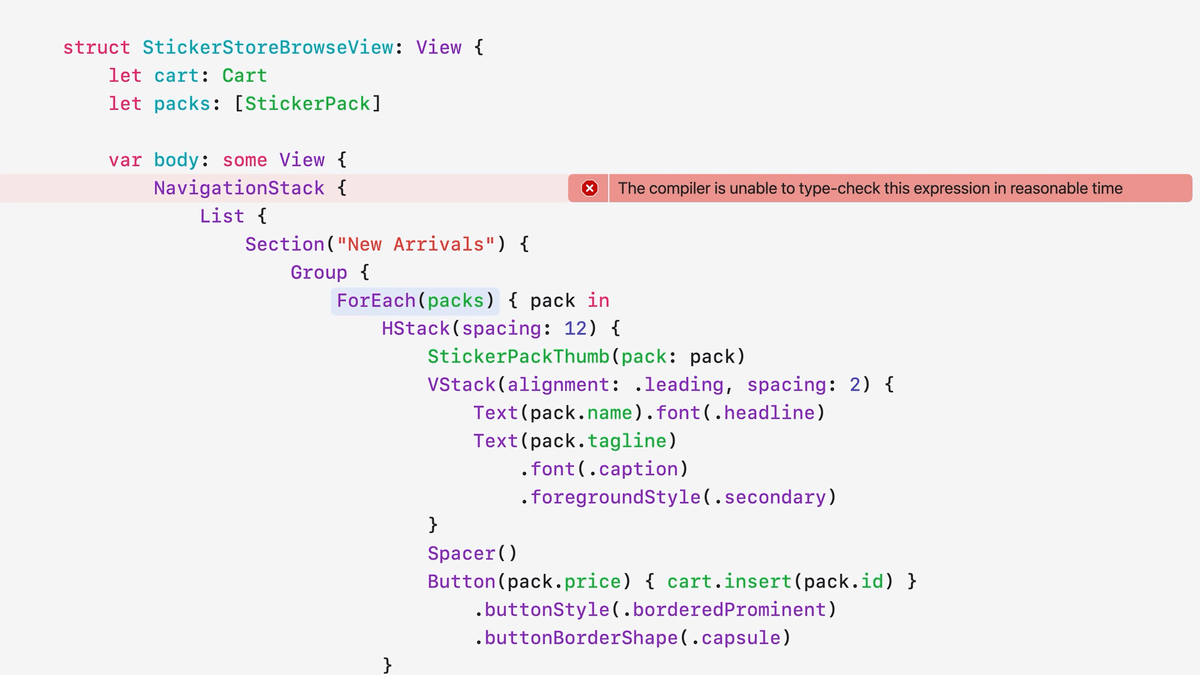
The infamous "The compiler is unable to type-check this expression in reasonable time" error should be a thing of the past.
Apple has reworked how views are built under-the-hood so that type-checking becomes easier for the compiler.
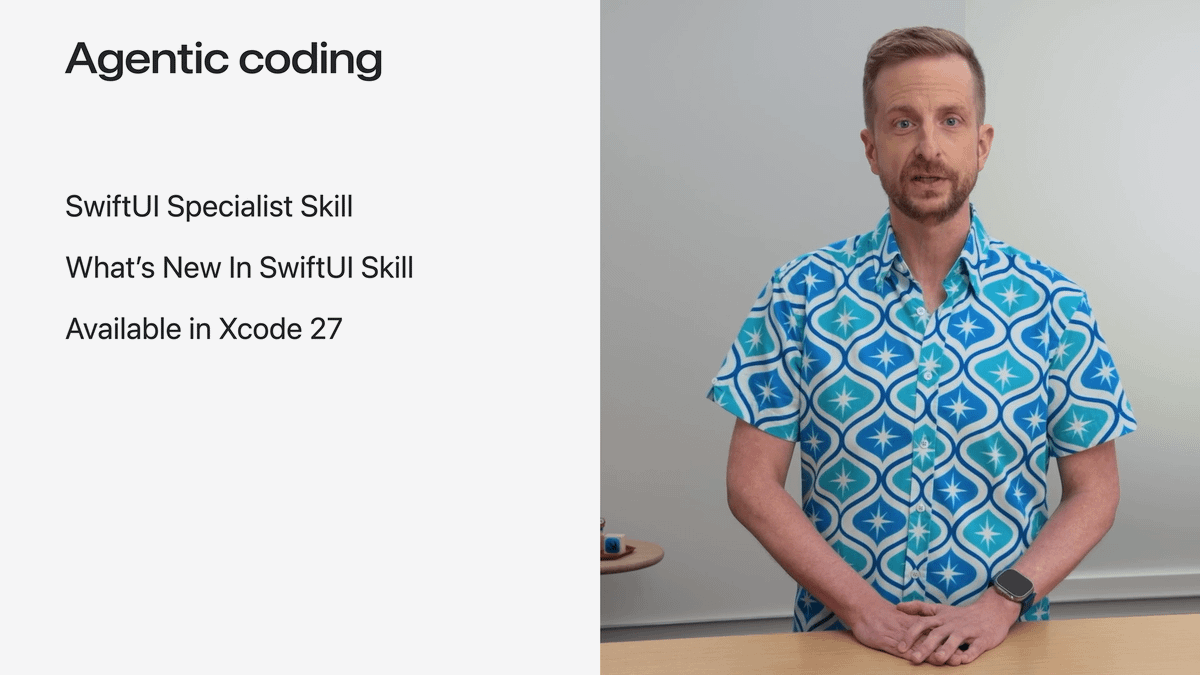
Xcode 27 comes bundled with agent skills that will help you adopt these new SwiftUI APIs.
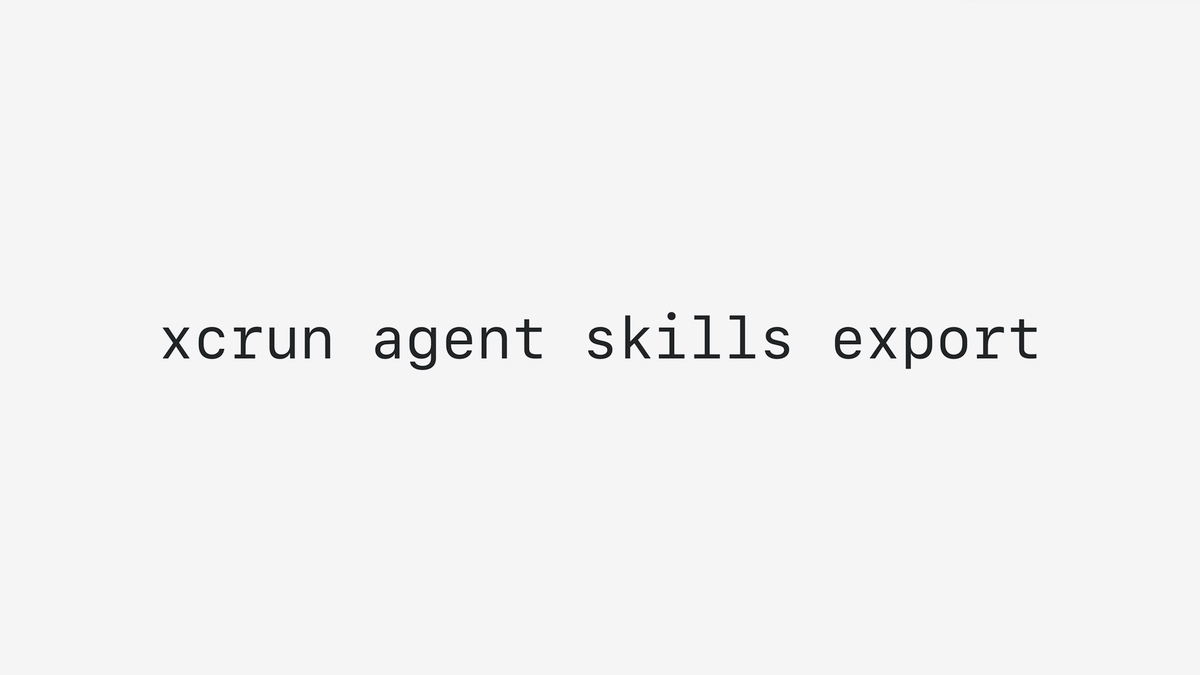
And you can even export these skills to other AI tools by running this command in the Terminal.
That's all for this article!
These are the additions to SwiftUI that most developers will want to leverage, but the WWDC session also covers a few more topics, like changes for document-based apps.
So I recommend you give it a look: https://developer.apple.com/videos/play/wwdc2026/269/